Liquid Glass
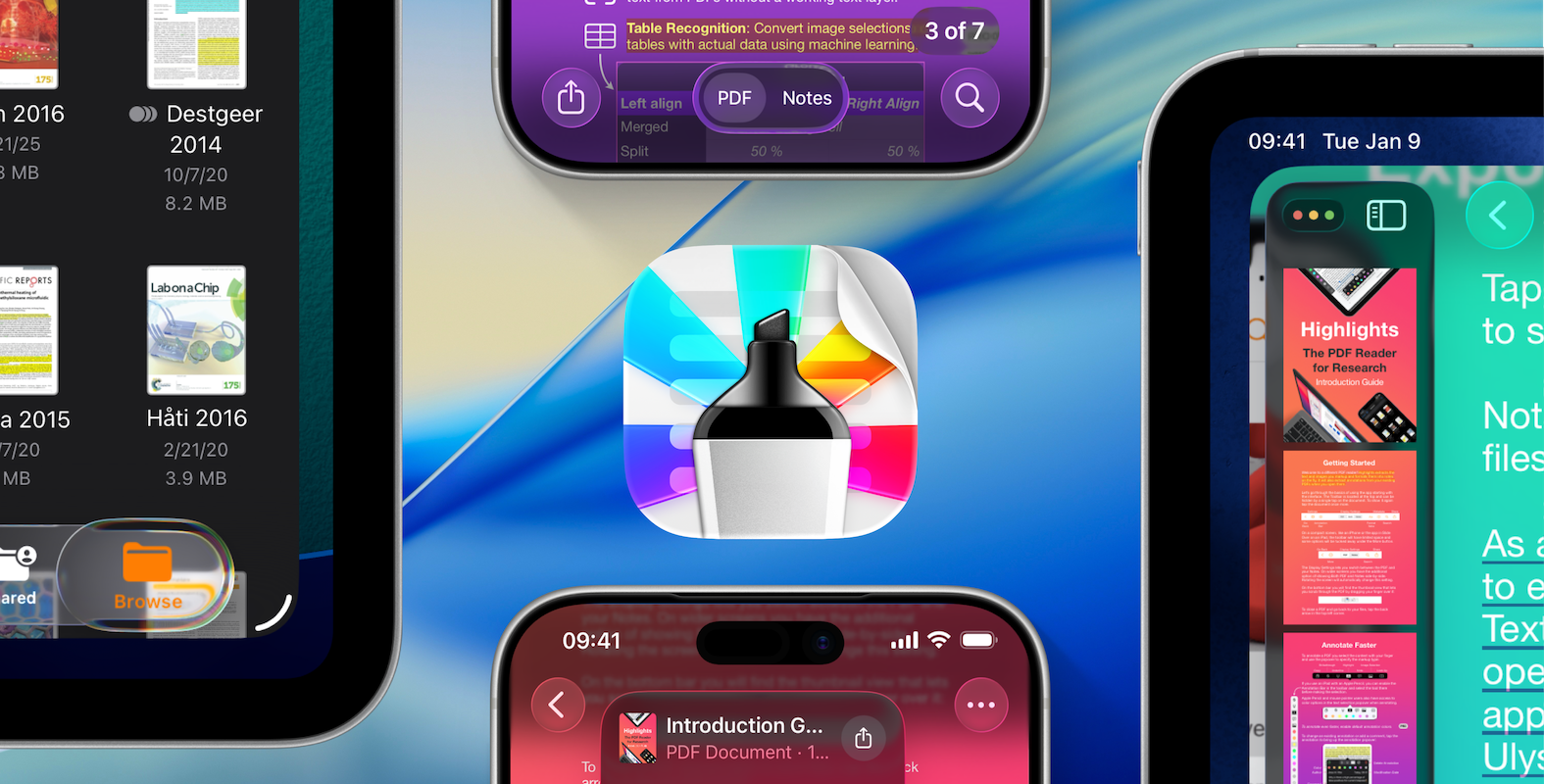
Today iOS, iPadOS and macOS were all bumped to version 26 and released at the same time, bringing the new Liquid Glass design everywhere. Highlights is ready with an all new design with floating sidebars, transparent toolbars and all new app icons. The new design language brings iOS, iPadOS and macOS closer together and the iPad version should now be even more familiar to people coming from the Mac, with similar navigation, menu bar and freely resizable windows. Update your devices and download Highlights 2025.1 to take full advantage of the new features.
Liquid Glass
Liquid Glass combines translucent elements with fluid animations to create a whole new look for native apps. The first thing you’ll probably notice is elements having the new glass material and rounded corners matching the device. In some places the glass is more prominent like in the text loupe or the tab bar selector.

Another distinct feature of the new design, is that buttons have gotten bigger and bolder. They are now individual elements, with a distinct round or pill shape, making them easier to see and select. Toolbars and buttons float above the content and can be grouped inside transparent pill shaped containers. Some text-based buttons like “Done” have been replaced with symbols (checkmark) on a tinted background, to distinguish it from other buttons.

The iPad version gains even more desktop-class features with freely resizable windows with window controls, a menu bar and a new sidebar floating above the content. Navigation has been improved and now resemble the macOS version in even more ways. The new menu bar makes it easy to find functionality or the correct window, thanks to the new window titles.
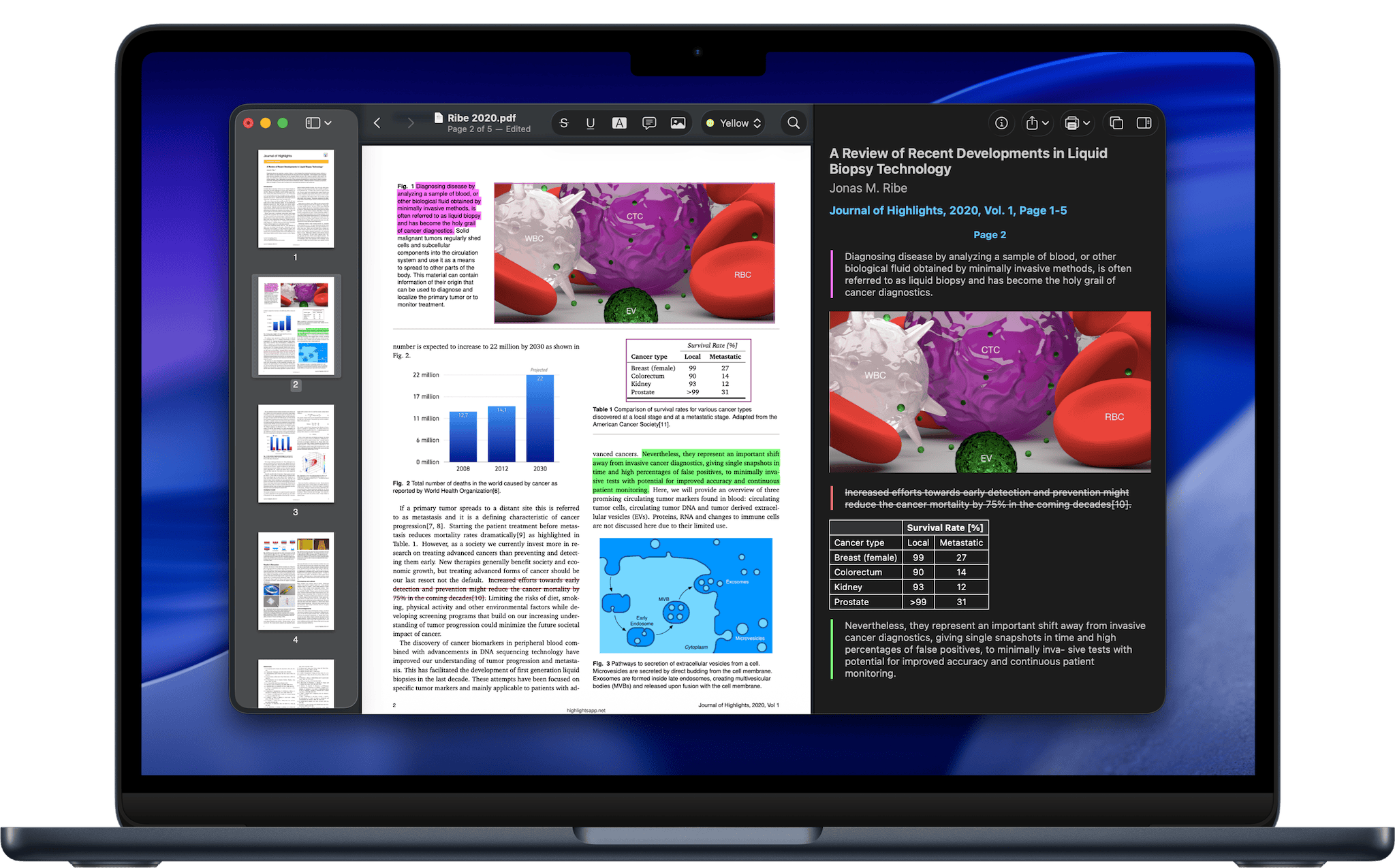
macOS 26 Tahoe also gets the new Liquid Glass design with transparent and rounded elements and a floating thumbnail sidebar, in addition to a whole new app icon.
New app icon
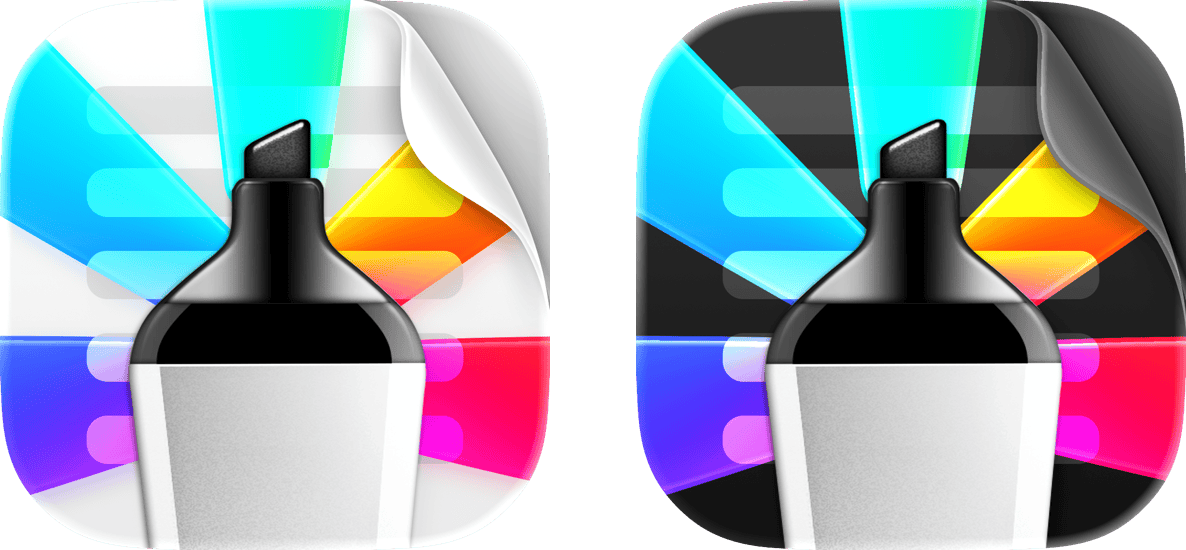
In the new OS releases Highlights has a new universal app icon by default. The new design builds on the iOS app icon, but consist of multiple layers that can change with its environment. The icon will seamlessly adapt to dark and tinted environments (even on the Mac) and even render specular highlights and light refraction when you tilt your iPad or iPhone.
Additional improvements
The document browser on iOS and iPadOS has been improved and now lets you set Highlights as the default app for opening PDFs:

Tap and hold to on a PDF file in the document browser or the Files app to open the file menu. Select Get Info. Under Always Open With tap on the currently selected app (the default is Preview). Select Highlights from the list. Select Always Open PDF document Files in the system dialog.
Finally, there is a bunch of languages available for OCR and text recognition in image selections: Turkish, Indonesian, Czech, Danish, Dutch, Norwegian, Malay, Polish, Romanian and Swedish.
Download iOS 26, iPadOS 26 and macOS 26 Tahoe today and get the updated Highlights from the App Store to experience the new design.