Why Does the iPhone Duo Only Support the Apple Pencil (USB-C)?
Apple has released iOS 27.2 with Apple Pencil support for iPhone Duo. It works on both the inner and outer display of the iPhone Duo, but requires an Apple Pencil (USB-C) stylus. This limitation pushed us down a rabbit hole as we tried to find out whether any other stylus is compatible with the iPhone Duo.
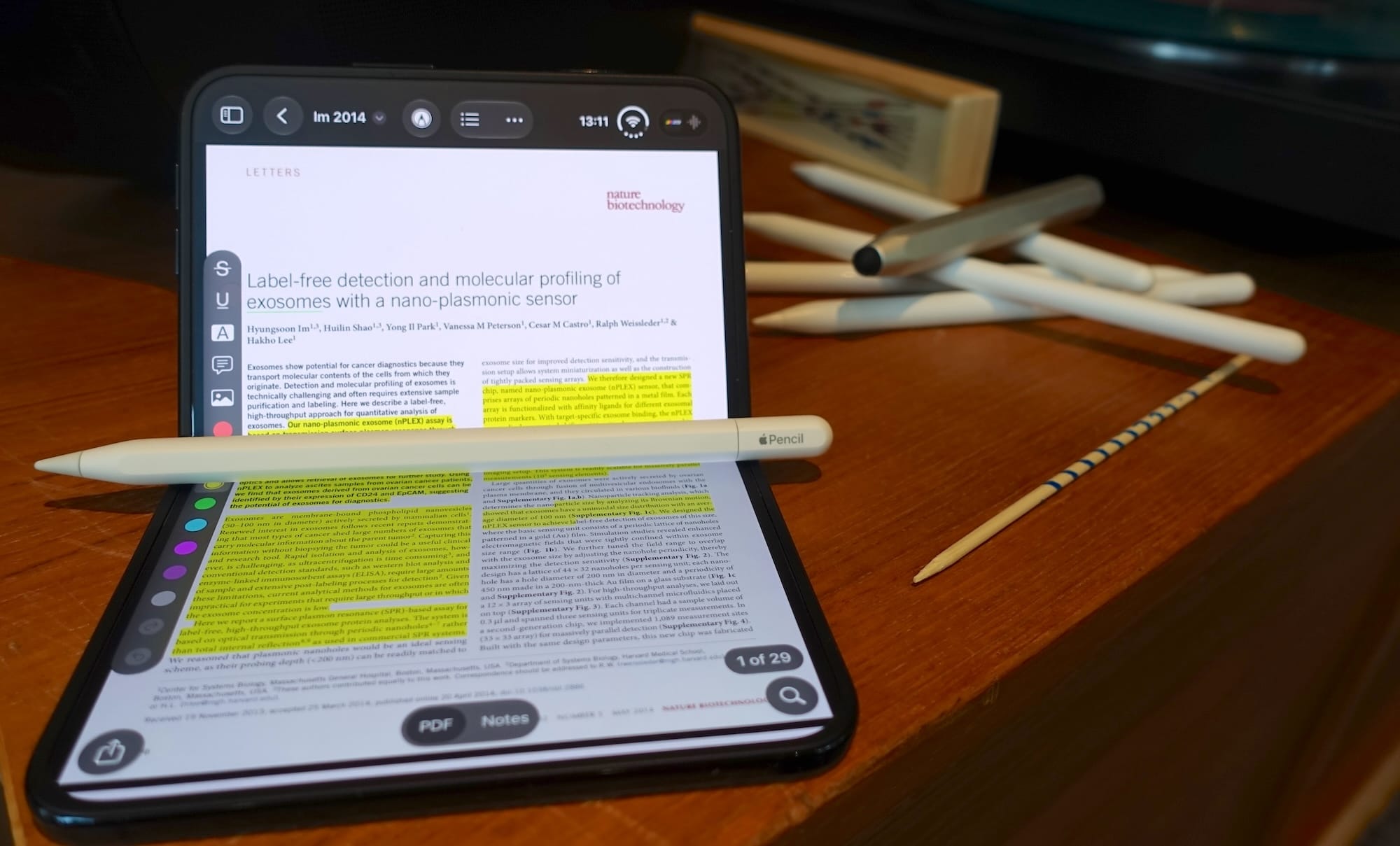
Knowing which Apple Pencil has what features and is compatible with which iPad can be a challenge and if you take into account third-party styluses it gets unwieldy fast. That is not a problem with the iPhone Duo, it only works with the Apple Pencil (USB-C).
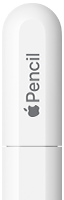
The Apple Pencil (USB-C) is the only stylus mentioned on the iPhone Duo product page, but iPads work with a lot of styluses that Apple does not acknowledge. However, in our testing we have found no other stylus that will work:
 |
 |
 |
 |
 |
 |
|
|---|---|---|---|---|---|---|
| iPhone Duo | 1st gen | 2nd gen | Pro | USB-C | Logitech Crayon | Clones |
| Charges |  |
 |
|
 |
|
|
| Pairs | * |
|
|
|
N/A | N/A |
| Recognized | |
|
|
|
|
|
* Requires third-party app to initiate pairing.
We were not shocked to find that the Apple Pencil Pro and Apple Pencil (2nd gen) did not work. They both use wireless charging and pairing which the iPhone Duo lacks the hardware for. The other styluses we have available for testing charge via cable, and the iPhone Duo can charge them all.
Connecting the Apple Pencil (1st gen) to an iPhone Duo (via an adapter) does not initiate pairing. The same happens if you connect the Apple Pencil (1st gen) to an unsupported iPad, but it can still be paired if you initiate the connection through a third-party app like LightBlue. You can pair it the same way on the iPhone Duo. It shows as connected in Bluetooth Settings and the battery status is shown in the widget, but it is not recognized by the screen. That is different from iPads.
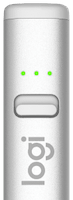
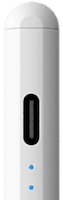
The Logitech Crayon on the other hand does not actually need to be paired. It is based on Apple Pencil technology, but does not require Bluetooth pairing. It just works with any iPad screen from 2018 or later. However, it is not recognized by the iPhone Duo. The Apple Pencil clones seem to have reverse-engineered the Logitech Crayon hardware as they work the same way (Bluetooth not needed, but sometimes used for battery status). The market is now flooded with them, but they are not recognized by the iPhone Duo either.
Interestingly, Logitech announced that the Crayon is end of sale from May 19th due to “upstream component challenges”. That leaves the Apple Pencil (USB-C) as the natural replacement and now the only stylus that works with the iPhone Duo. It might just be a temporary exclusivity, but Apple probably regrets that the Logitech Crayon could be copied with no way to limit it through software. An allowlist of approved stylus models would raise the barrier for clones and could explain why the Apple Pencil (1st gen) is restricted. Newer Apple Pencil designs are also likely easier to lock down.
Update November 3, 2026: There is a new path to third-party styluses, at least in the EU. Apple has a program for third-party styluses on the iPhone Duo that is likely mandated by the Digital Markets Act (DMA).
The accessory design specification says a stylus must be connected via Bluetooth so the iPhone Duo can turn on and set the frequencies of the tip and ring electrodes. This is probably how the Apple Pencil already works on iPads. When an Apple Pencil is connected the frequencies change, which is why the Logitech Crayon stops working as soon as you connect an Apple Pencil. If you disable Bluetooth or unpair the Apple Pencil, the Logitech Crayon starts working again as the frequencies are reverted.
This indicates that the sensor array on iPads listens for a set of default frequencies used by the Logitech Crayon. The iPhone Duo evidently doesn’t, though it could come in a future software update like it did for the iPad (6th gen) with iOS 11.4. It would also explain why the Apple Pencil (1st gen) can pair without being recognized: the iPhone Duo apparently only turns on the tip and ring electrodes for the Apple Pencil (USB-C). If you’re curious how the Apple Pencil hardware actually works we wrote a more detailed post here.
First iPhone with Apple Pencil Support
Capacitive styluses have always worked on iPhones, but those are recognized as finger touches and work with any touchscreen. Active styluses have built-in batteries and are recognized as a separate input event. This lets us take advantage of the increased precision of a stylus combined with low-latency drawing and palm rejection. It also lets developers offer different interfaces for stylus and touch, which is why you get an extended popover when marking up text in a PDF in Highlights with a stylus instead of a finger:


For an active stylus to work, it needs to communicate with hardware in the screen to calculate the position of the tip and the tilt direction of the stylus. The iPhone Duo is the first iPhone hardware to support this, but it was not enabled until iOS 27.2, released October 26, 2026.
Once you connect the Apple Pencil (USB-C) to an iPhone Duo via a USB-C cable, it initiates a Bluetooth connection. Bluetooth is required for the Apple Pencil (USB-C) to work. It may only carry battery data, but the stylus stops working when Bluetooth is off. The pairing is 1-to-1, meaning you can only have one Apple Pencil paired per device and the Apple Pencil can not be paired to multiple devices.
The Apple Pencil (USB-C) works on both screens of the iPhone Duo. The outer screen is glass and feels like using the Apple Pencil on any other iOS device. The inner screen has a nano-texture cover layer that makes using a stylus feel much more like using a Sharpie on paper. It even sounds like using a Sharpie due to the increased friction. That makes it very tactile and a big contrast to using it on the outer screen.
Missing Features
A stylus specific for the iPhone Duo was in the works according to Bloomberg, but scrapped due to technical issues. The Apple Pencil (USB-C) was designed for iPads and seems more like a backup plan. It can attach magnetically to the hinge of the iPhone Duo when folded, but it will easily detach as the stylus sticks out on both sides of the phone. If you are going to use the iPhone Duo with an Apple Pencil (USB-C) you are going to have to keep tabs on where you put it. Unfortunately, it does not feature Find My functionality like the Apple Pencil Pro.
The Apple Pencil (USB-C) is the most stripped-down Apple Pencil in terms of features. It does not support pressure sensitivity, gestures, or haptic feedback. The stylus does support hover, but the iPhone Duo does not, so you can not preview your tools before touching the screen. It does support tilt for changing line widths when drawing in apps like Notes, but that is basically it. If you own an iPad with one of the other Apple Pencils, this feels like a downgrade.
Apple Pencil Pro with USB-C, Please?
The iPhone Duo is off to a great start for productivity on the go with the combination of Apple Pencil support and screen aspect ratios ideal for PDF documents. The paper-like feel of the inside screen makes it awesome for marking up documents with an Apple Pencil. Limiting the stylus support to the Apple Pencil (USB-C) might make sense for Apple, but leaves experienced Apple Pencil users wanting more. Hopefully, the continuation is even more exciting. Adding a USB-C port to the Apple Pencil Pro would solve compatibility, both for the iPhone Duo and iPads without the magnetic connector. It would not solve where to put the stylus on the go, but it would make for a more compelling purchase and open the iPhone Duo up to all the great Apple Pencil features on the iPad. Fingers crossed.